Quadro Printing Time & Waste Simulator
Save your model as a .3mf from Bambu Studio, Snapmaker Orca or OrcaSlicer, with its colours painted or assigned, and drop it here. It is sliced for Quadro and two other multi-colour printers at once, so you see how Quadro prints it, how long it takes on each printer, how much filament each one purges, and how many prints four 1 kg spools give. Then print it on Quadro's own screen below.
No model at hand? Try one of these
How many of this print do 4 kg of filament make?
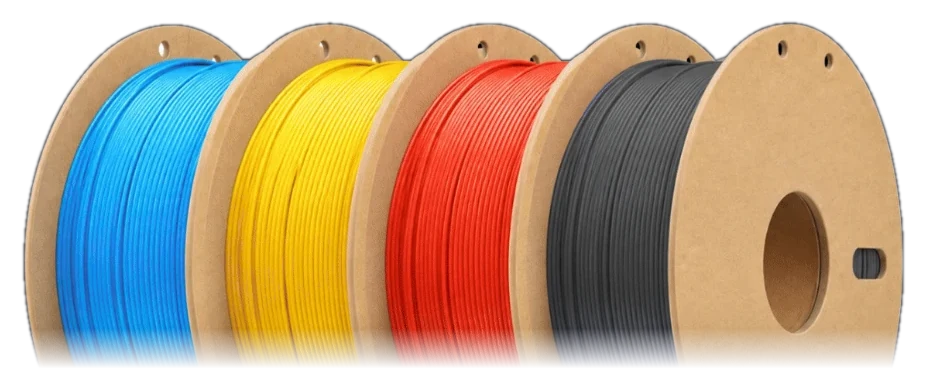
Four 1 kg spools, one per colour. Each bar is the whole 4 kg: blue is printed model, grey is purge waste, one block per print.
Quadro's monthly advantage over other multi-colour printers
For this model, at the prints a day and filament price you set, against the printer you choose.
Printer screen
Quadro's own touch screen software. Tap it to print, move and calibrate; it drives the printer above. Calibrations take real time, and 10× playback speeds them up.
Print job 0%
Toolhead Ready
Move sends G91 · G1 · G90
Tools
| Tool | Carriage X | State |
|---|
Temperatures simulated heaters
| Heater | Power | Actual | Target |
|---|
Last toolchange —
| Axis | From → to | Peak | Start |
|---|
Console the printer's Klipper config and macros · HELP lists every command
Ask about Quadro answered by Claude · tap a command to put it in the console
A live simulation of Quadro's toolchanges. Motion timing comes from the printer's own Klipper configuration and its parallel-carriage toolchange planner: the parked heads clear the way while the next tool arrives, all in one synchronized move. The machine is the production CAD model; the print is a four-colour 20 mm alignment cube with a prime tower. The console runs the printer's own Klipper configuration, its macros and its toolchange, homing and calibration modules, right in the browser: anything typed there behaves as it would on the machine. The printer screen is Quadro's own touch screen software, rebuilt for the browser: its print, move, filament and calibration pages send the same commands to that console. Heaters and the bed surface are simulated (the bed follows the printer's saved mesh); load cell forces and accelerometer readings are not.